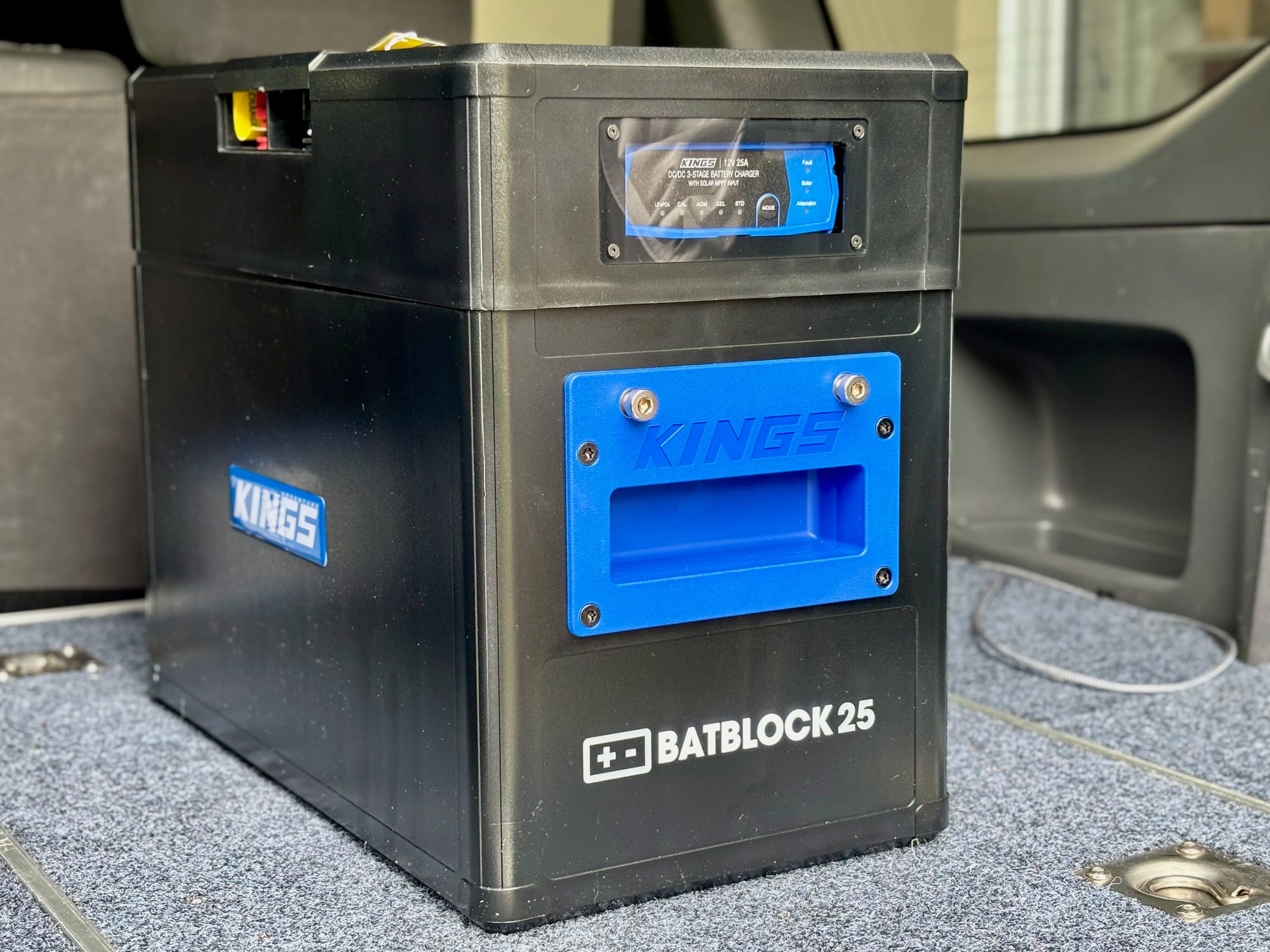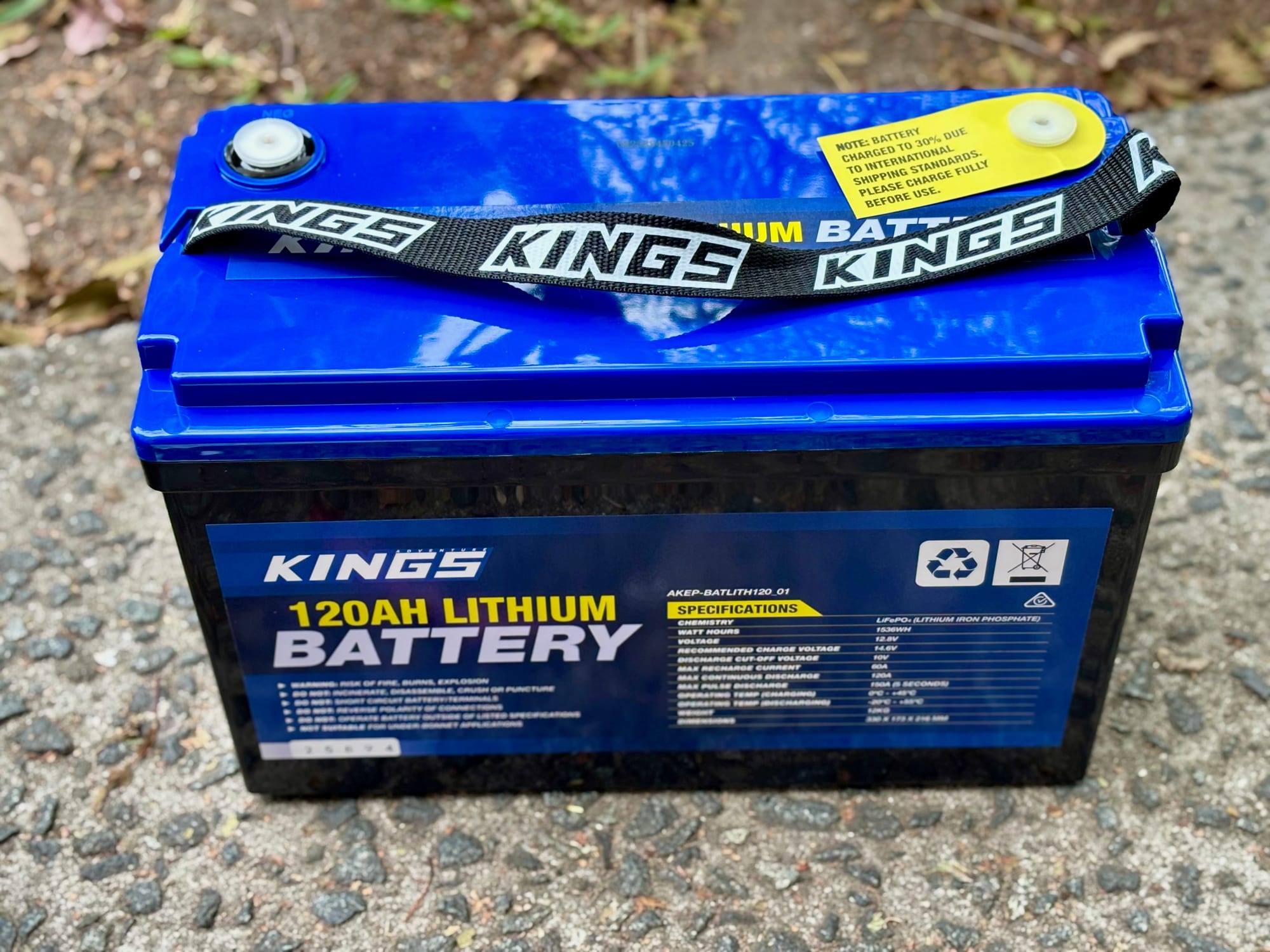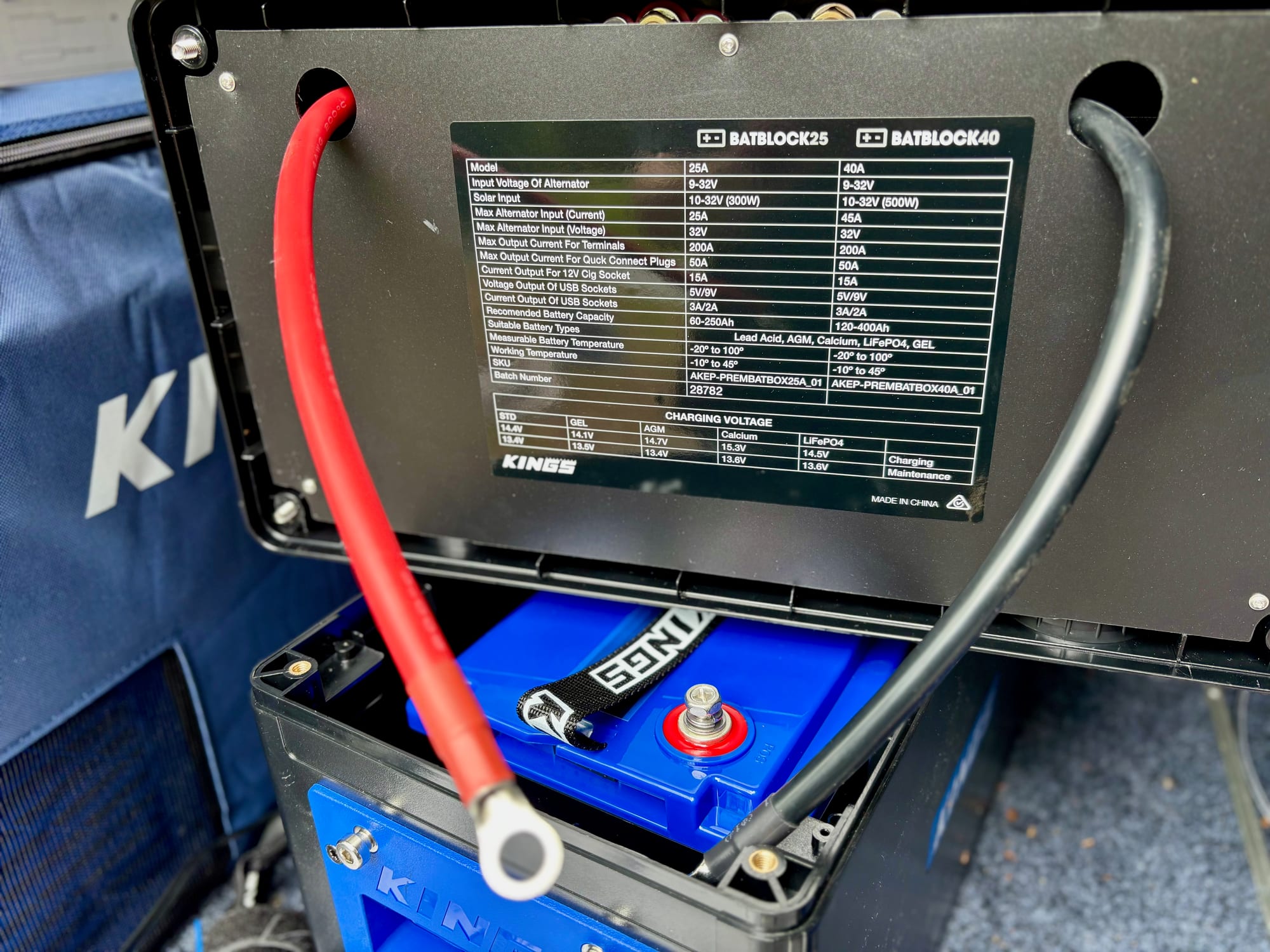
The Kings BatBlock 25 comes pre-wired: the charger, battery monitor, sockets and switch are already in it, so setting it up is mostly a matter of putting the battery in the right way. We did ours with the Kings 120Ah lithium battery, and it has been in the back of our Prado for a year. Here’s how we set it up.
The gear we used
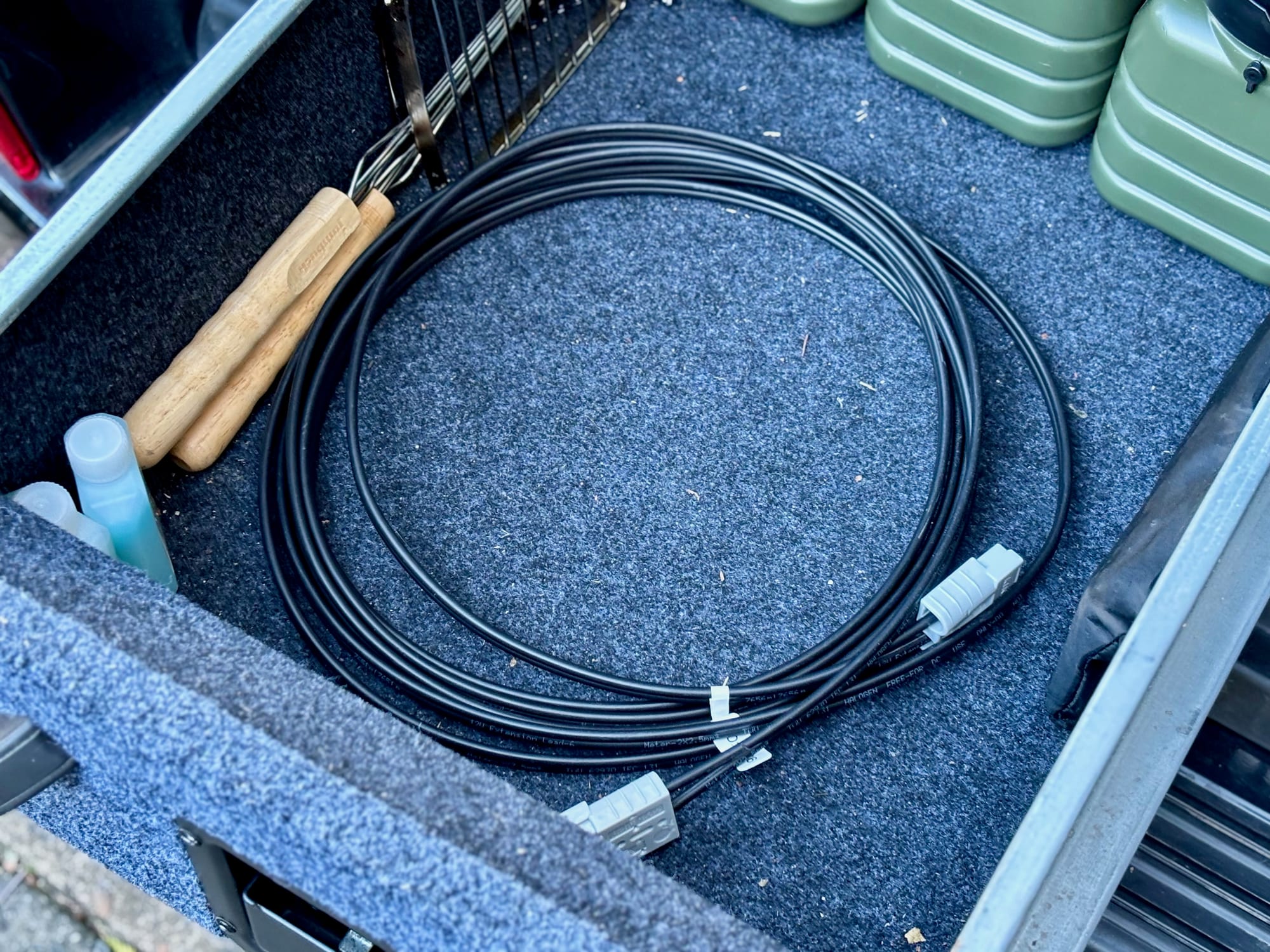
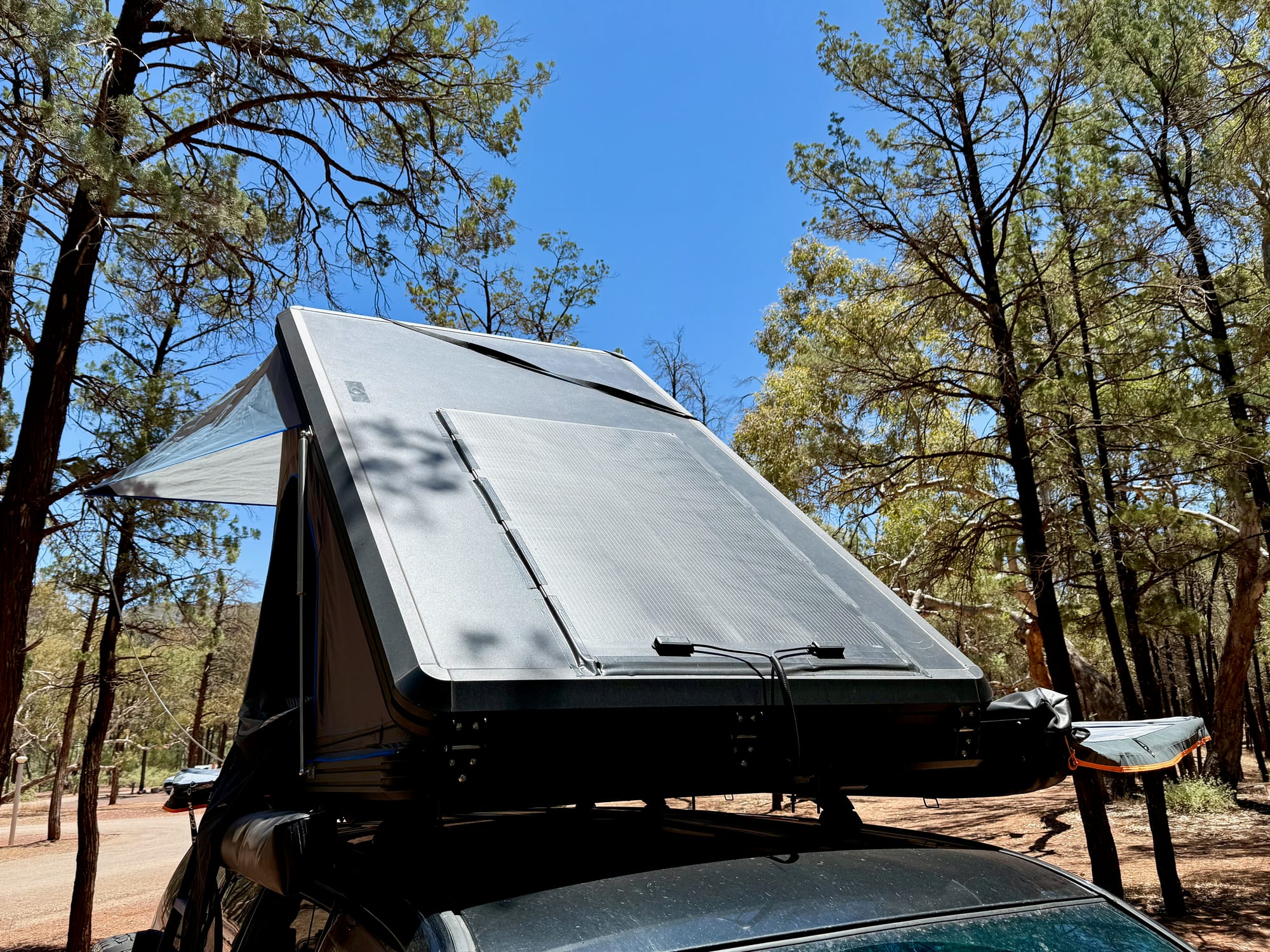
We set up the BatBlock 25 with the Kings 120Ah lithium battery, bought together as a combo. It’s charged by the solar panel on our rooftop tent through a 6 m Kings Anderson lead.
What’s in the box
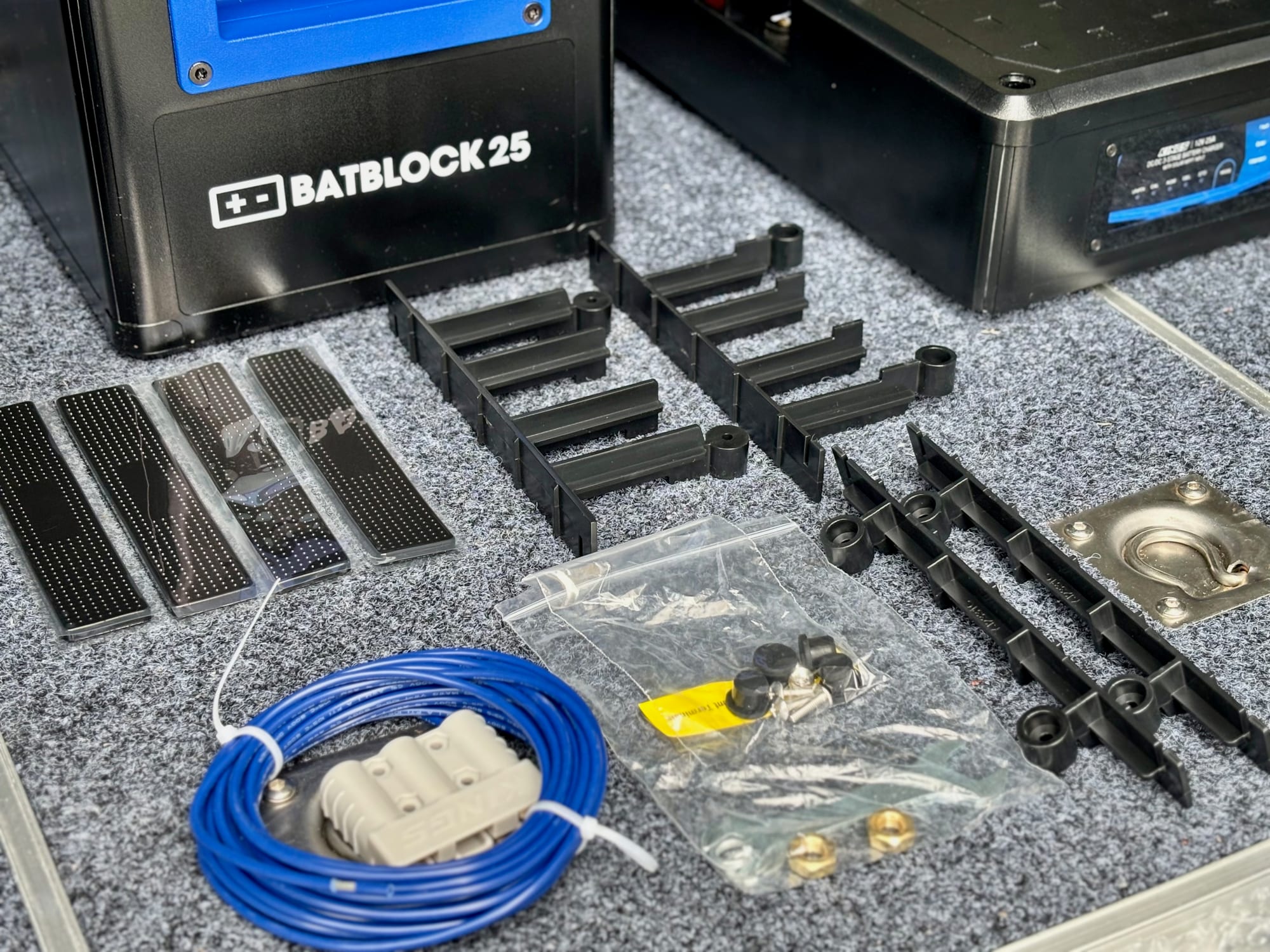
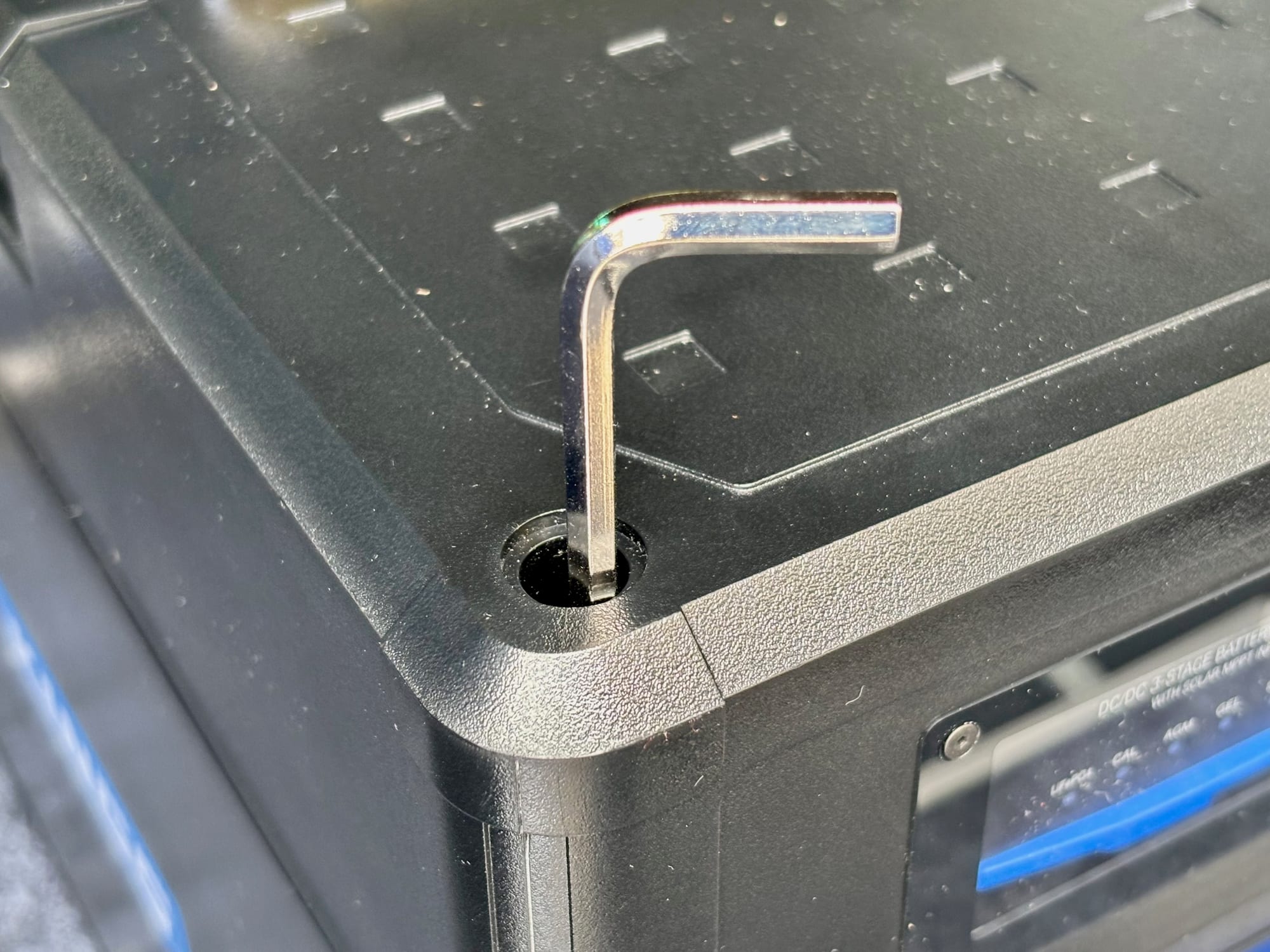
Apart from the BatBlock itself, the box has a few small parts. The black strips are foam pads with adhesive on one side, for the bottom of the BatBlock. The black plastic pieces are for smaller batteries: when there’s more space around the battery, they go between the battery and the walls to hold it in place. A little plastic bag has the bolts and knobs that secure the lid, and there are hex keys too.
The blue wire is the ignition trigger for the built-in DC-DC charger. It goes to a 12V positive that switches on and off with the ignition, so the charger knows when the engine is running and can adjust its cut-in and cut-out voltages. Ours runs on solar only, so we didn’t use it.
Do's
- Do turn the main switch off first
- Do stick the foam pads in first
- Do set the charger to your battery type
- Do strap it down to solid anchor points
Don'ts
- Don’t connect with the switch on
- Don’t leave it loose in the car
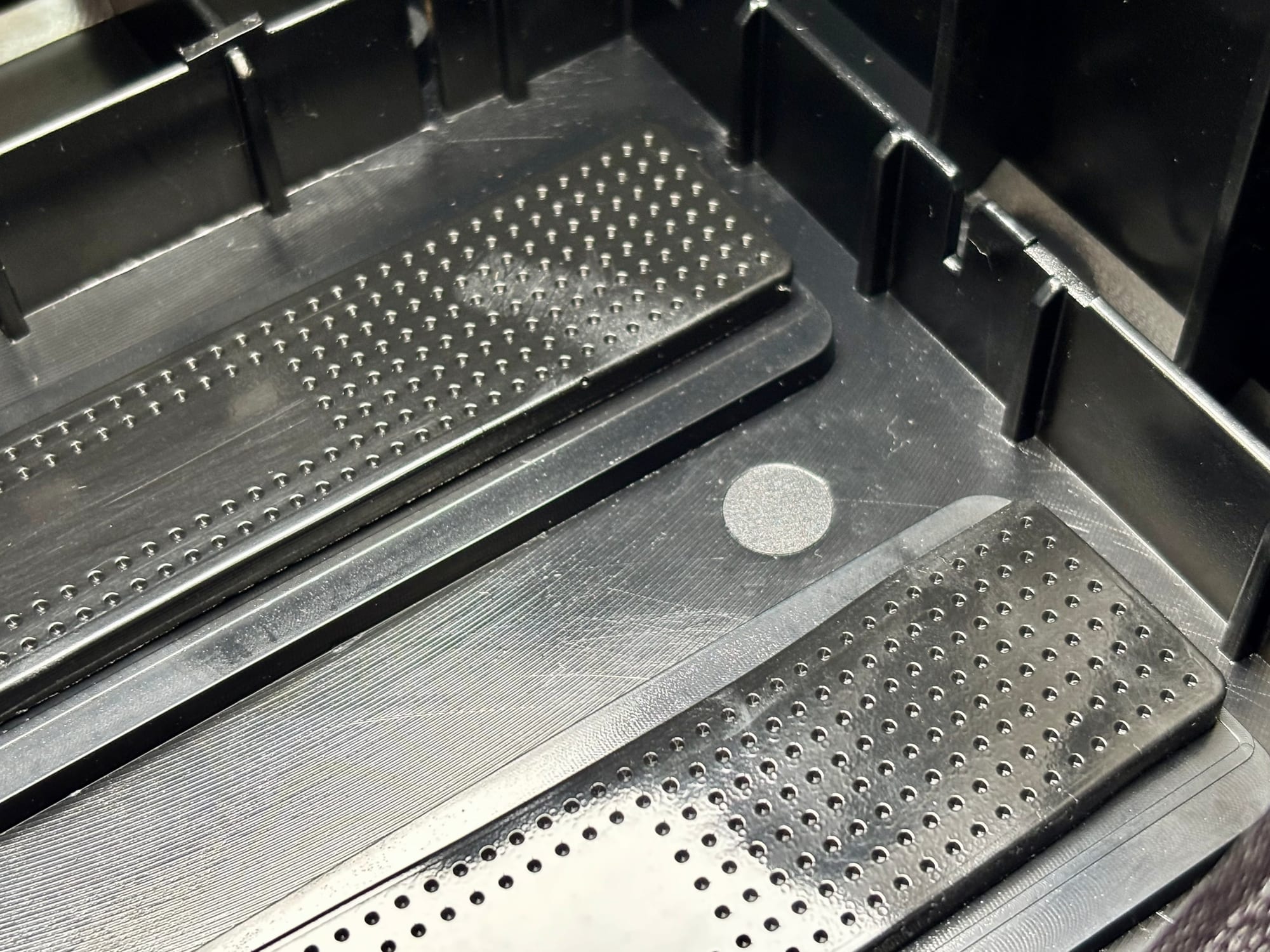
Step 1: Stick the foam pads in1. Stick the foam pads in
Before the battery goes in, stick the adhesive foam pads to the bottom of the BatBlock. Peel off the backing and press them down firmly. Do this first: once the battery is in, you can’t get to the floor of the box any more.
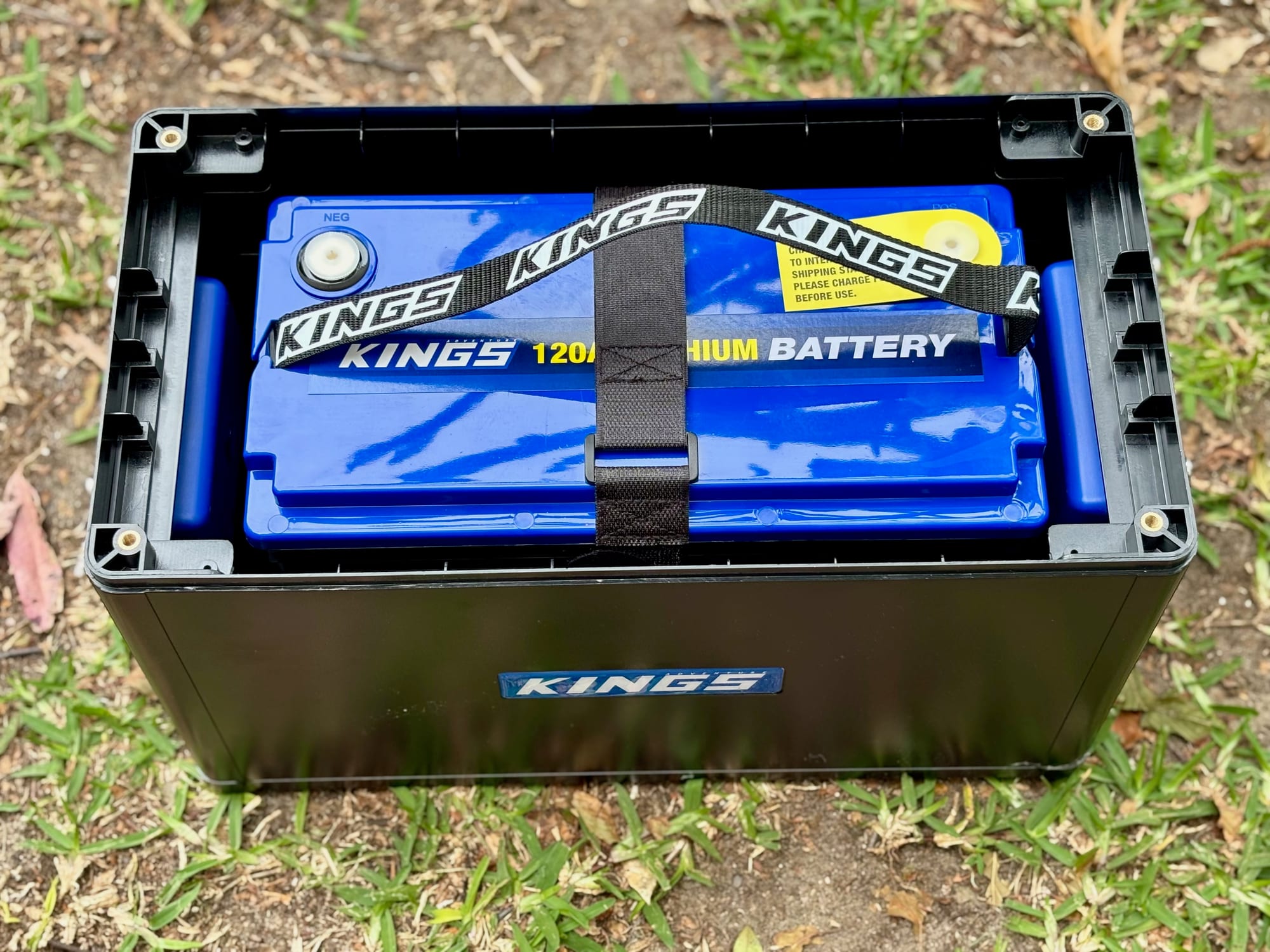
Step 2: Lift the battery in2. Lift the battery in
Lift the battery into the bottom half of the BatBlock and set it down on the foam pads. Our 120Ah lithium is 330 × 170 × 220 mm and the BatBlock 25 takes up to 330 × 173 × 220 mm, so it fits exactly and we didn’t need the plastic spacers. With a smaller battery, fit the spacers between the battery and the walls so it can’t move around.
Step 3: Turn the main switch off3. Turn the main switch off
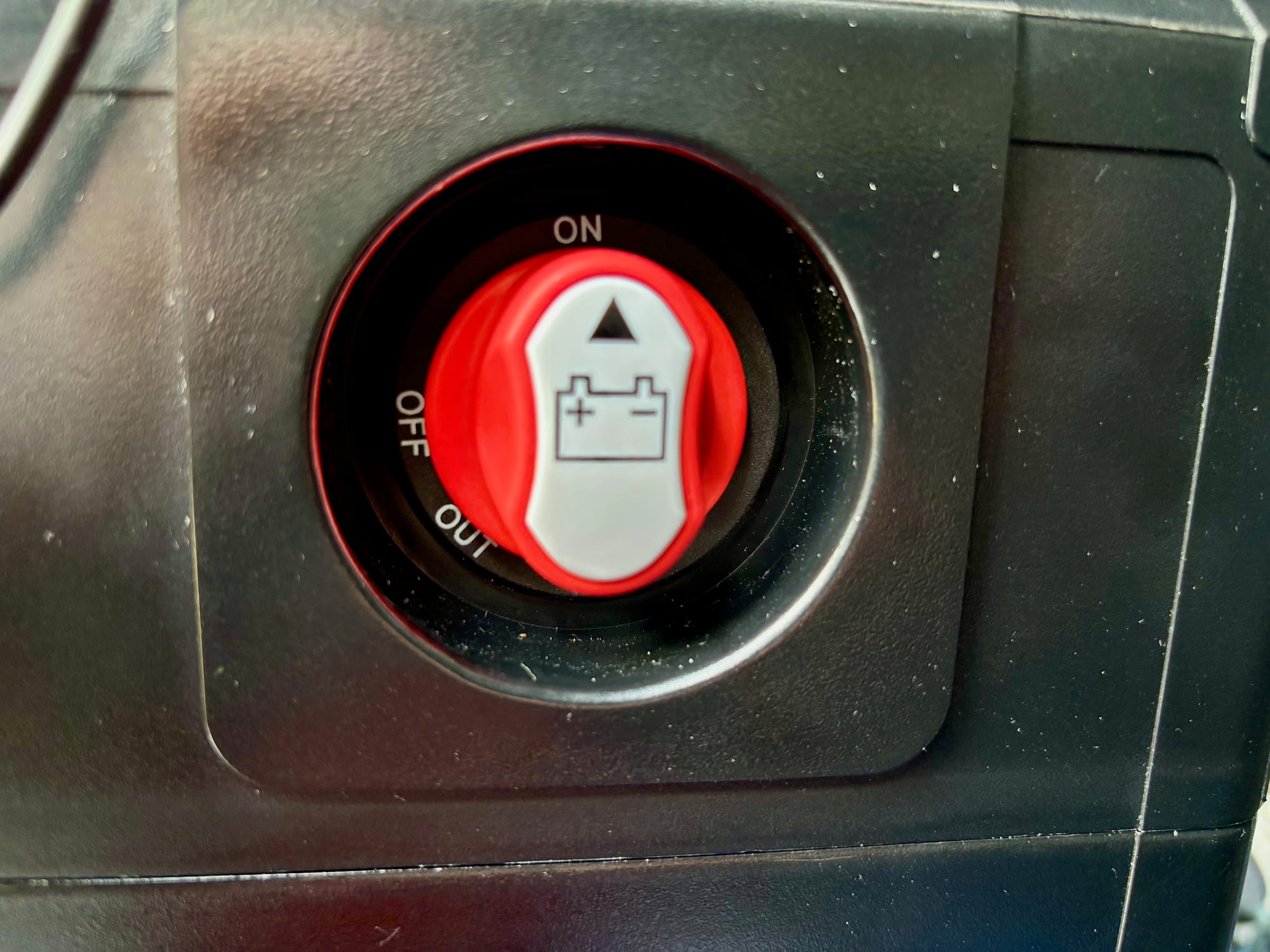
Before you connect anything, turn the red main isolator switch on the BatBlock to off. That way nothing is live while you’re working on the terminals. Leave it off until the lid is back on.
Step 4: Connect the terminals4. Connect the terminals
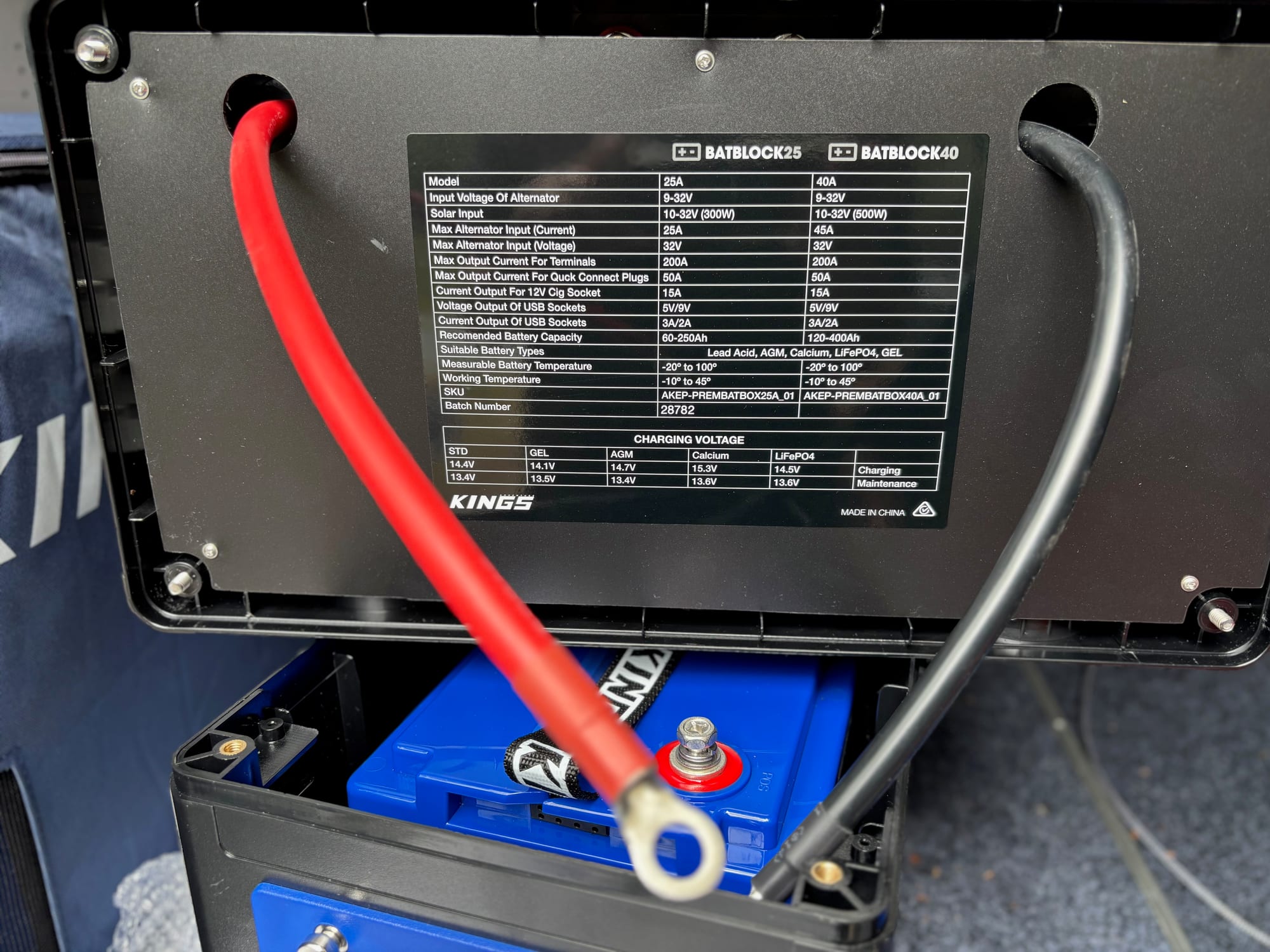
The red and black cables come already fitted to the inside of the lid. With the switch off, bolt the red cable to the battery’s positive terminal and the black cable to the negative terminal, and make sure both are tight.
Step 5: Bolt the lid on5. Bolt the lid on
Put the lid back on the base, taking care not to pinch the cables, and secure it with the bolts and knobs from the little plastic bag. Once it’s on, the battery is sealed inside and everything you use is on the outside.
Step 6: Set the charger6. Set the charger
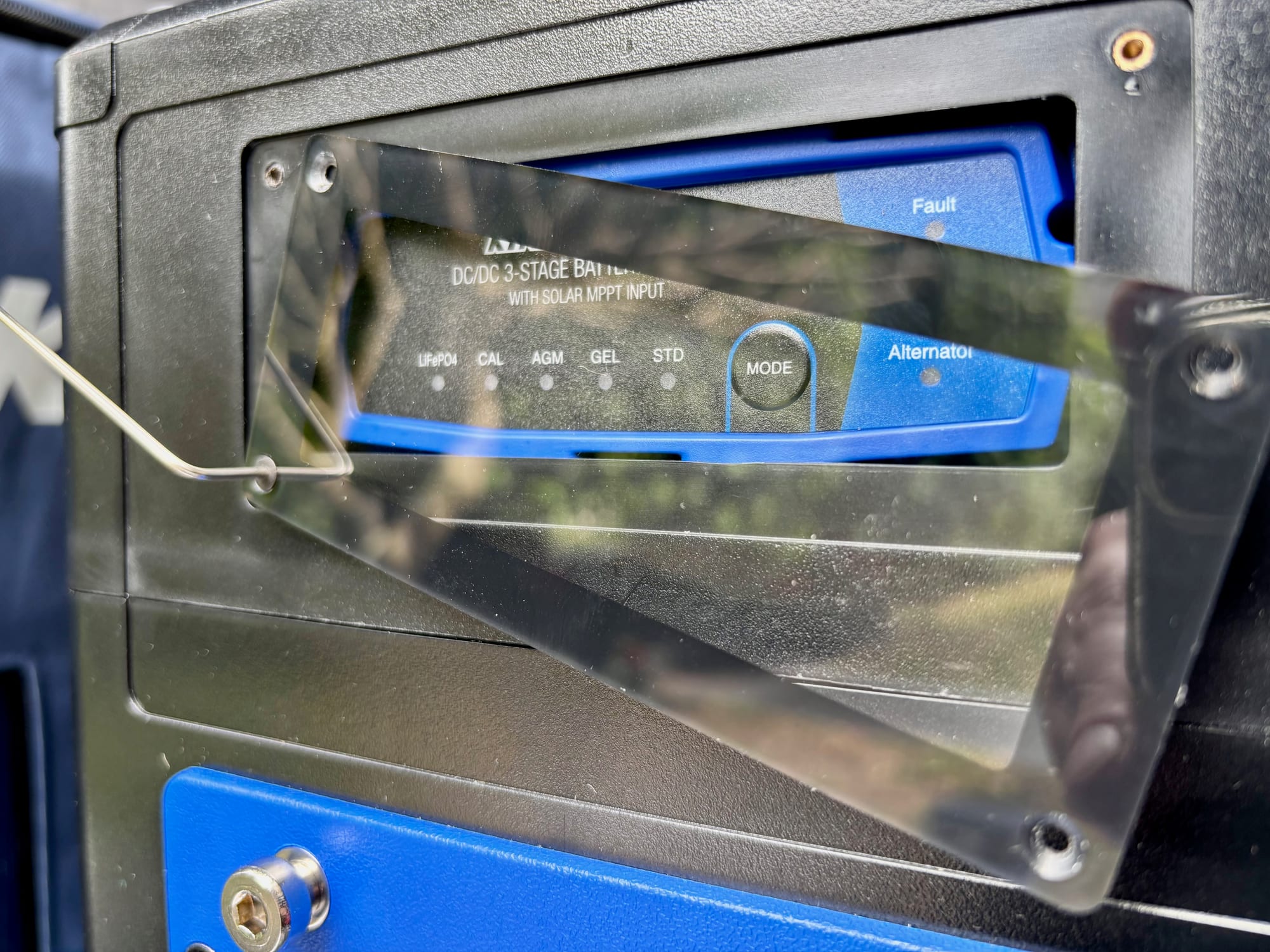
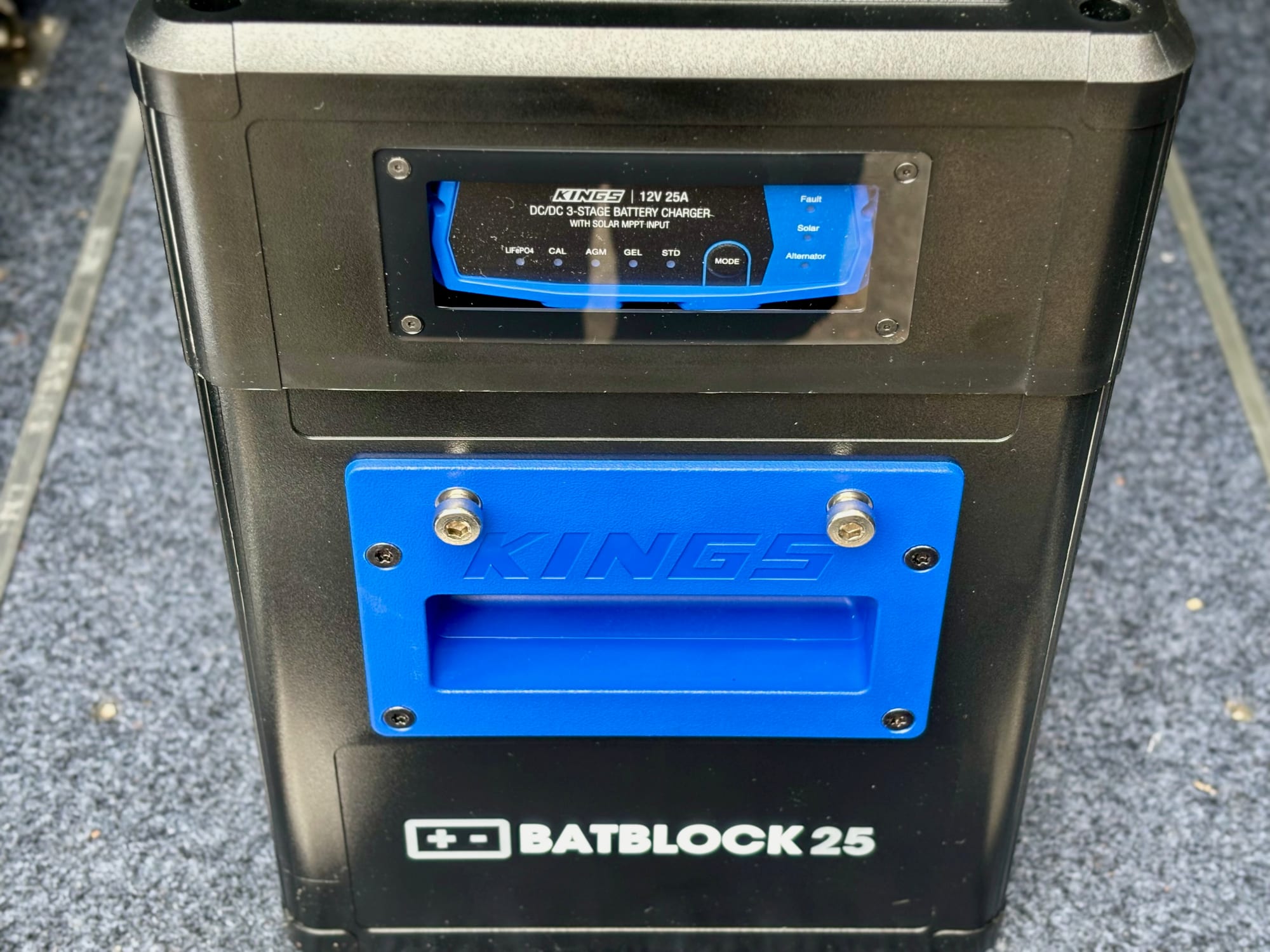
The DC-DC charger sits behind a clear cover on the front. Take the cover off, press and hold the Mode button for about two seconds and let go, then press it again to step through the battery types until the right one lights up: LiFePO4 for a lithium battery like ours, or calcium (CAL), AGM, gel or standard (STD). Then put the cover back and turn the main switch on.
LiFePO4 mode matters for lithium. Besides the right charging voltages, it switches on the charger’s lithium wake feature: if the battery’s BMS has shut it down to protect it, the charger sends a pulse of power to wake it up again.
Step 7: Strap it down in the car7. Strap it down in the car
A battery box with a 12 kg battery in it shouldn’t move while you drive. We use Kings tie-down straps to tie the BatBlock to the anchor points on our Titan drawers in the back of the Prado, so it stays put while we drive.
Summary
Setting up a BatBlock is straightforward: foam pads in, battery in, main switch off, terminals connected, lid bolted on, charger set to your battery type, and the box strapped down. Then plug your solar panel’s Anderson lead into the solar input and it starts charging. Ours has run our fridge on solar for a year with no issues.
Recommended gear
Gear from our own reviews that goes with this guide.